PHP2Shell: What Every PHP Developer Must Do This Week
Two critical vulnerabilities allow attackers to take control of a PHP server with a single request. They are already being exploited. What you need to know, how to check your server, and how to protect yourself.
 Bendy SERVILUS3 min read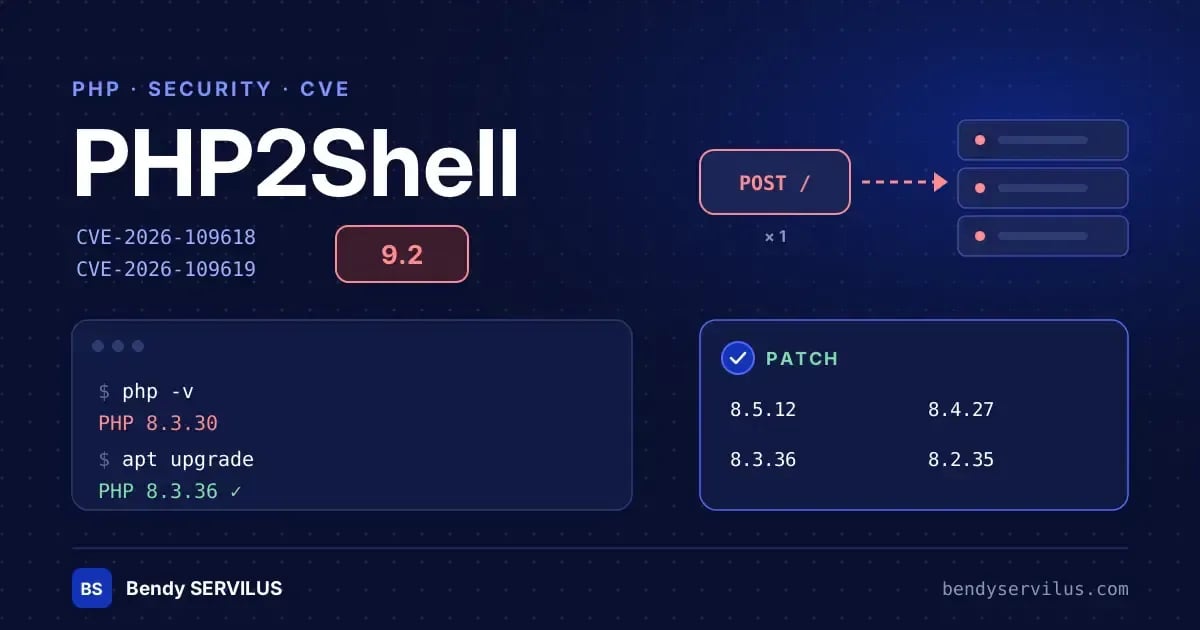
In my last article, I defended PHP with numbers to back it up: it powers nearly 70% of websites with a known server-side language. This week serves as a reminder of the other side of this success: a language this widespread is a prime target.
On October 21, 2026, PHP urgently released patches for two critical vulnerabilities, dubbed PHP2Shell. If you have a PHP site or API in production, this article is for you.
What is happening
The two vulnerabilities are tracked under CVE-2026-109618 and CVE-2026-109619. Each carries a severity score of 9.2 out of 10.
They allow for remote code execution: an attacker can take control of the server. Most concerningly:
A single request is enough, without needing to be authenticated.
The attack happens before your code even executes. Perfectly written Laravel code will not protect you.
They are already being exploited. Amazon recorded an attempt on October 17, four days before the public announcement.
Who is affected?
Practically any PHP installation that handles web requests: PHP-FPM (the classic setup with Nginx), Apache with mod_php, php-cgi, FrankenPHP, and LiteSpeed. Default configurations are vulnerable.
The patched versions are:
PHP 8.5.12
PHP 8.4.27
PHP 8.3.36
PHP 8.2.35
Branches 7.4, 8.0, and 8.1 are also affected, but they are no longer officially supported. If you are still on them, now is the time to migrate.
Step 1: Check your version
Beware of a common trap: the PHP version in the command line is not necessarily the one serving your site. Check both:
bash
# PHP in the command line
php -v

# PHP-FPM (adjust the version number)
php-fpm8.3 -v
The most reliable method is to check from the web server itself, for example using a temporary phpinfo() page, which should be deleted right after.
Another trap: Linux distributions like Debian often backport security fixes without changing the version number. Check your distribution's security advisory, not just the displayed version number.
Also consider your Docker containers: each image embeds its own PHP.
Step 2: Update
This is the only complete protection. On Debian or Ubuntu:
bash
sudo apt update && sudo apt upgrade
sudo systemctl restart php8.3-fpm
Restarting PHP-FPM is essential: without it, old processes will keep running with the vulnerable code.
For Docker, rebuild your images from an up-to-date base image, then redeploy.
While waiting for the patch
If you cannot update immediately, a few settings will reduce the risk. For the second vulnerability, disable this in php.ini:
ini
session.upload_progress.enabled = 0Then restart all workers. A Web Application Firewall (WAF) like Cloudflare, which has deployed rules against this attack, also adds a layer of protection.
These are only temporary measures. Applying the patch remains essential.
How to know if you have been targeted
Monitor your logs for:
Errors like “Allowed memory size … exhausted” mentioning
Unknown on line 0.Worker crashes (segmentation fault).
Above all, a PHP process that spawns a shell (
sh,bash) or opens unusual outbound connections.
A successful attack does not necessarily crash the server and may return a normal response. When in doubt, perform a thorough inspection of the server.
PHP is not dead, and this vulnerability changes nothing about that fact. But a production server is never "finished." Regularly updating is part of the job, just like writing code.
Sources and references
Share this note
Comments
No comments yet. Be the first to share your thoughts.